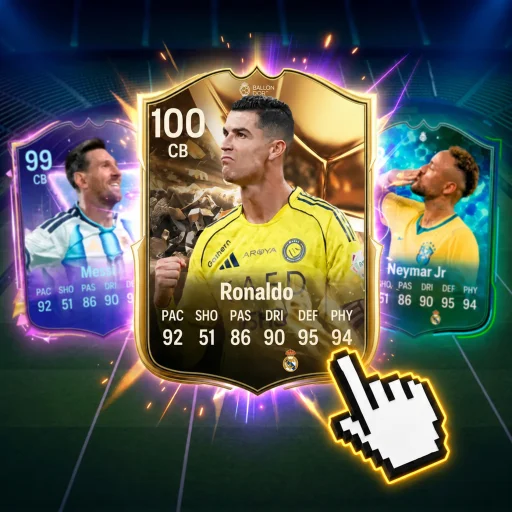
Controls Overview
Soccer Card Draft (117729676951267) runs on PC, mobile, and console via Roblox. UI navigation dominates gameplay — draft picks, rolls, packs, and cups all use menu buttons rather than pitch controls.
PC Controls
| Action | Input |
|---|---|
| Move / Navigate UI | Mouse click |
| Confirm selection | Left click |
| Scroll menus | Mouse wheel |
| Close dialog | Esc or X button |
Mobile Controls
Tap buttons for draft, roll, and codes. Pinch-zoom if UI scales poorly after updates.
Console Controls
Gamepad navigates with D-pad and A/X confirm. Layout changes noted on console updates when [CONSOLE] patches ship.
Key UI Locations
- Codes — main hub — redeem guide
- Draft — nation selection screen
- Roll — Team-Year generation
- Cup — tournament registration — cup guide
New player flow: beginner guide.